
Accessibility Was Always There. We Just Started Noticing
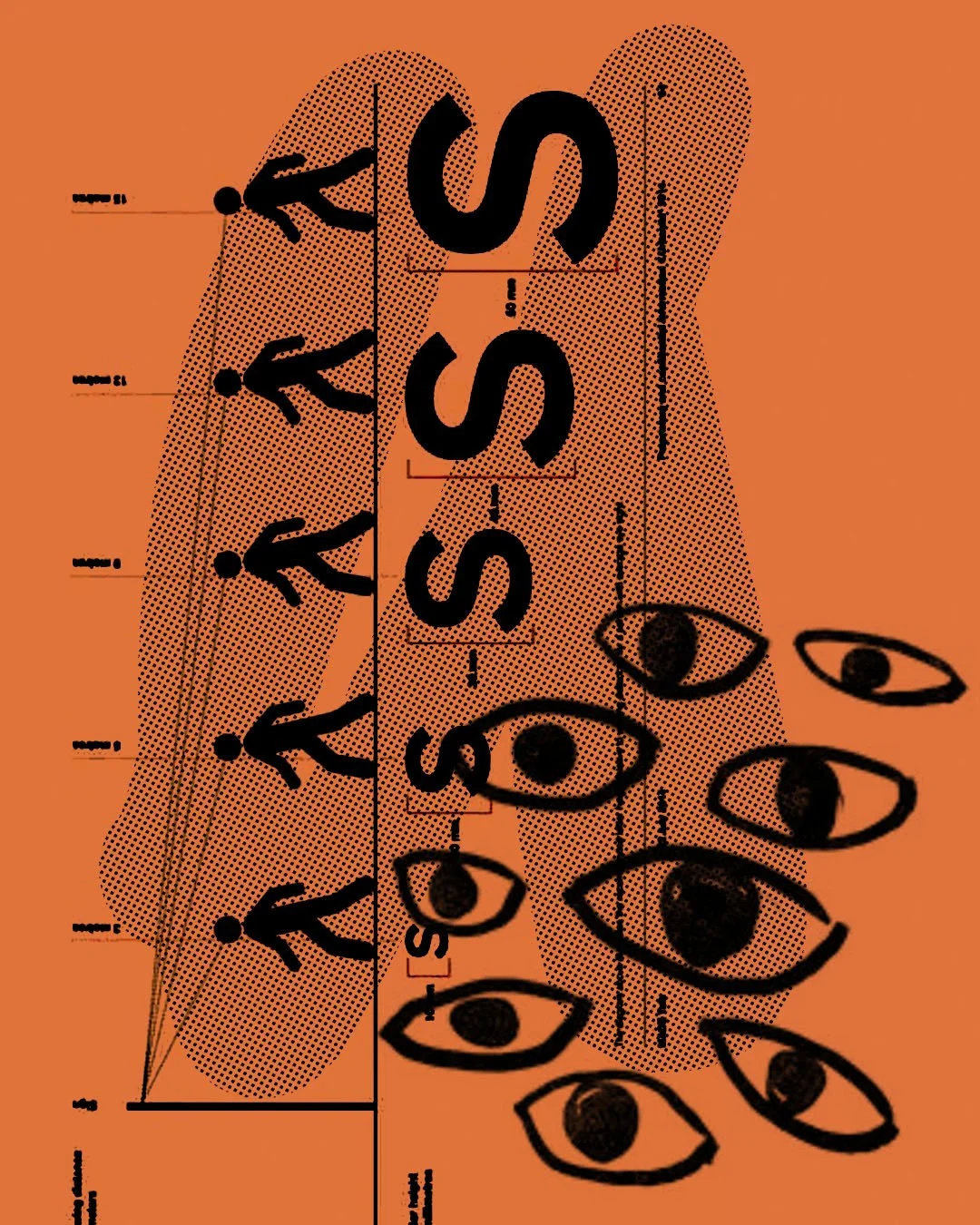
Accessibility has a funny way of showing up late. Right when the work feels resolved. When everyone’s nodding. Then someone asks, “Have we run this through accessibility guidelines?” and suddenly the room tightens. Not because it’s difficult, but because it was treated like a final filter instead of a starting point.
The thing is, accessibility isn’t an add-on. It’s not a compliance layer you drop over the top of finished work. It’s a design principle, sitting quietly at the beginning, shaping decisions before they become constraints. The best outcomes don’t feel “accessible.” They just feel clear, intuitive and considered.
At its core, accessibility in design is about reducing friction. Can people read it? Can they navigate it? Can they understand it without effort? That spans more than vision. It’s contrast, hierarchy, motion, language, structure, timing. It’s thinking about the person who isn’t experiencing the work the same way you are.
It also forces a kind of discipline. You can’t hide behind visual noise or overly clever ideas. If something only works under perfect conditions, it probably doesn’t work at all. Accessibility strips things back to what matters, and in doing so, often makes the work stronger.
Designing this way doesn’t slow things down. It actually prevents the late-stage scramble. It removes the need to retrofit. And more importantly, it expands who the work is for.
6 step framework you can use as a quick design check.
01. Contrast & Legibility
If you had to glance at it from across the room, does it still hold?
Check colour contrast, text size, and weight. Light greys, thin fonts and layered imagery might look refined, but they often disappear for a large portion of people.
02. Hierarchy & Flow
Do you know where to look first, without thinking?
A clear reading path matters. Headlines should lead, supporting text should follow, and nothing should compete at the same volume.
03. Simplicity of Language
Is it understood instantly, or does it need decoding?
Avoid overly complex wording, stacked messaging or insider language. Accessibility often lives in clarity, not cleverness.
04. Navigation & Interaction
Can someone move through it without friction?
Buttons, links, menus, touchpoints. Are they obvious, spaced well, and easy to act on? If someone hesitates, something’s off.
05. Motion & Behaviour
Does movement support, or distract?
Animations, transitions, hover states. Subtle is useful. Overdone can disorient or overwhelm, especially for users sensitive to motion.
06. Real-World Testing
Would this work outside your screen?
Check it on different devices, in bright light, at arm’s length, with distractions. Accessibility isn’t judged in perfect conditions.
